Loading...

Expert's Guide: Student Devices

Expert's Guide

Smart Tech for Every Stage of Learning

Welcome to our Student Tech Zone - where smart devices meet real-world learning! Whether you're starting your first semester or heading into your final year at university, we've curated the best tech to keep you connected, productive, and ready for success.

Looking for a laptop that can handle essays, video edits, and everything in between? A tablet that inspires creativity and makes note-taking effortless? Or maybe your first smartphone? Our latest line-up combines performance, portability, and peace of mind, featuring innovative devices from leading brands all designed to support every stage of your academic journey.

Expert's Guide to Student Devices
PRIMARY SCHOOL

Tech Smarts for Bright Starts

Learning begins with curiosity, and the right back-to-school device can help young minds explore, create, and thrive. For primary school students, tech should be simple, safe, and durable to handle every spelling quiz, science project, and classroom-to-playground dash!

  • Student Tablets: Lightweight, easy to use and packed with educational apps.
  • Student Laptops: Tough designs with reliable performance for everyday learning.
  • Student Phones: Perfect for first-time independence without overwhelming complexity.
  • Student Smart Watches: Enhancing child safety by enabling basic communication, location tracking, and parent monitoring.
  • Kid-friendly durability: Drop-resistant designs and protective cases.
  • Parental controls: Manage screen time and online access easily.
  • battery-black
    Long battery life: Power through lessons and play all day.
  • Lightweight design: Ideal for small hands and backpacks.
  • Learn, play, and discover safely.
  • Use stylus pens for handwriting practice and creative fun.
  • Personalize their device with colorful cases and fun wallpapers.
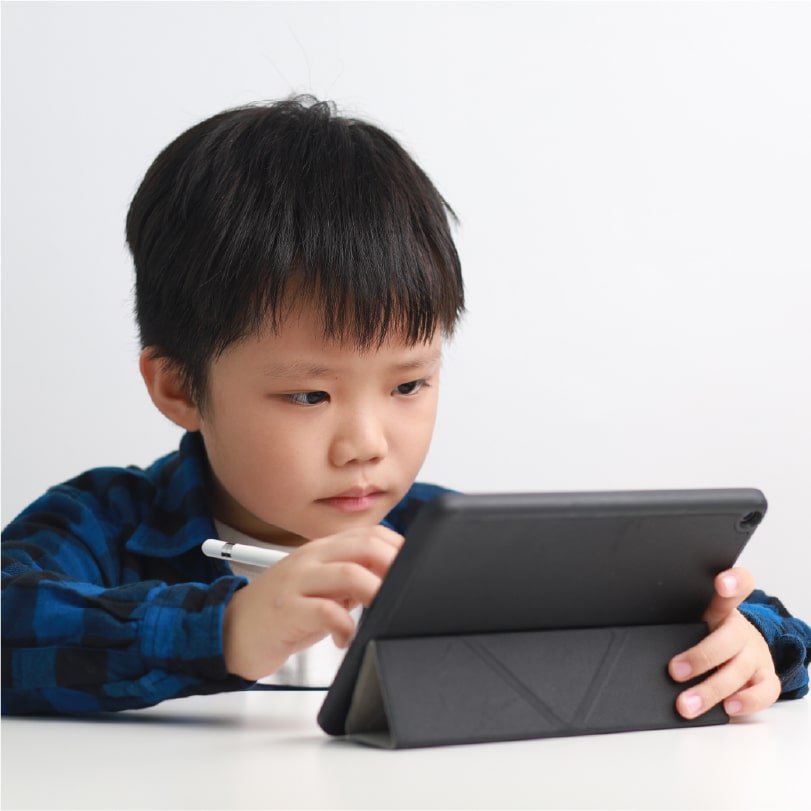
Kid using a tablet
Take Note

Choose a tablet with stylus support to make handwriting practice and creative drawing fun and interactive.

SECONDARY SCHOOL

Top-of-the-Class Tech

The secondary school years demand devices that can keep up with packed schedules, online learning, and creative projects. Whether it's researching, drafting essays, presenting, or streaming, the right tech helps students stay ahead.

  • Performance: Minimum 8GB RAM; 16GB recommended for multitasking.
  • Storage: 256GB SSD or more for speed and reliability.
  • Battery: At least 8 hours for a full school day.
  • Weight: Around 1.5kg, ideally under 2kg for easy carrying.
  • Screen Size: 13-15 inches for the best balance of portability and usability.
  • Webcam: 720p minimum; 1080p ideal for online classes and tutoring.
  • Software: Compatible with Microsoft 365 or Google Workspace.
  • Connectivity: Dual Band Wi-Fi (5GHz) for stable school network access.
  • Ports: USB-A and USB-C ports and HDMI (if required) to connect accessories and chargers.
  • Security: Antivirus and device protection to keep schoolwork and personal data safe.
  • Take notes while switching between slides, research tabs, and school platforms.
  • Join online tutoring sessions and video classes with clear audio and stable Wi-Fi.
  • Collaborate on group projects using shared documents and planning tools.
  • Unwind with gaming, music, or streaming apps.
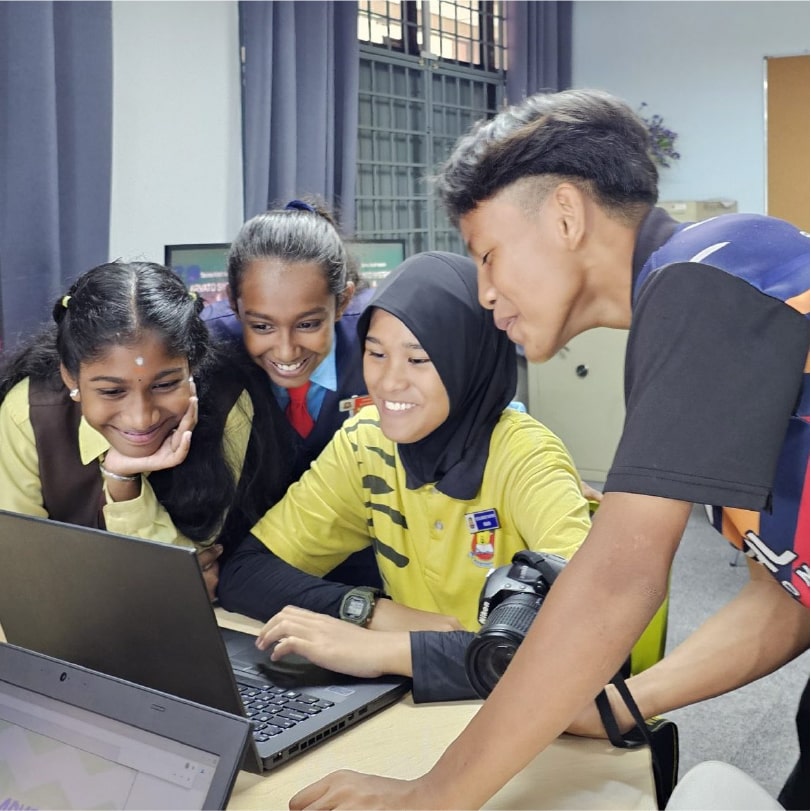
Students using laptop
Take Note

A 2-in-1 laptop puts the 'flex' in flexibility! Type up essays in laptop mode, then flip to tablet mode for note-taking, sketching, or pulling off a super slick presentation.

TERTIARY EDUCATION

Next-Gen Gear from Campus to Career

Whether you're in university, college, or polytechnic, you need tech that can handle heavy workloads, creative apps, and marathon study sessions with ease. Choose devices that deliver power, portability, and future-ready features.

  • Memory: 16GB+ RAM for smooth multitasking.
  • Storage: 256GB SSD or more for speed and reliability.
  • Display: Full HD or higher for crisp visuals.
  • Battery Life: 8+ hours to last through lectures and late-night cramming.
  • Connectivity: Dual-band Wi-Fi, USB-C & USB-A ports (HDMI if needed for presentations).
  • Webcam & Mic: 1080p webcam and clear audio for tutorials and group meetings.
  • AI Capability: Look for an NPU (Neural Processing Unit) for on-device AI features.
  • Security: Biometric login and reliable antivirus software for peace of mind.
  • Course-Specific Needs: Some degrees require extra power, check your faculty's recommended specs.
  • Run design, editing, coding, and course-specific software effortlessly.
  • Sync across devices for a seamless workflow, from notes and research to presentations and cloud storage.
  • Study anywhere: on the bus, in the lecture hall, or at your favorite café.
  • Unlock smart productivity perks such as faster searching, smoother multitasking, and AI tools that speed up research, drafting, and revision.
University student using laptops
Take Note

Invest in a reliable external drive or cloud storage for backups and projects.

STUDENT MOBILES

Make the Right Connections

For growing independence and peace of mind, student mobiles are a must-have part safety net, part social lifeline, and part productivity powerhouse. From first-phone excitement to last-minute assignment hustles, today's student mobiles deliver reliability, strong performance, built-in safety controls, and great value for money.

University students using mobiles
PRIMARY SCHOOL

Starter Phones Made Simple

When it's time for their very first mobile, focus on ease of use, durability and important safety features.

  • Sturdy build for everyday knocks.
  • Parental controls to manage apps and screen time.
  • GPS tracking for peace of mind.
  • Limited app access to keep things simple and safe.
  • They can stay in touch and set boundaries.
  • GPS and call restrictions give peace of mind.
  • Prepaid plans keep costs predictable.
  • They feel independent and responsible.
  • Fun designs and simple features make it easy.
  • They can stay connected and explore safely.
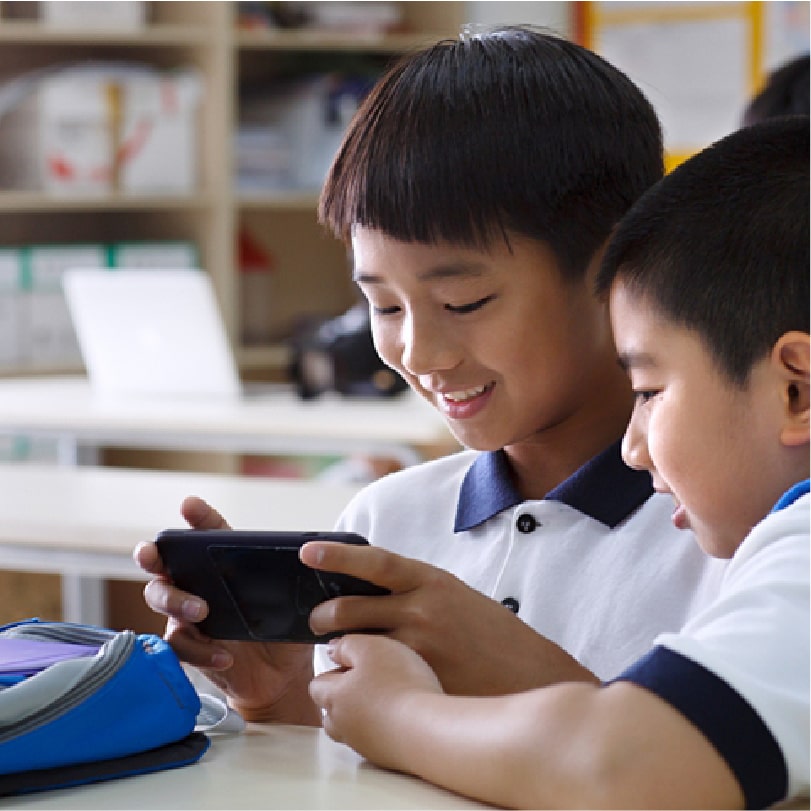
Primary school student using mobile device
Take Note

Use tools like Google Family Link or Apple Screen Time to set limits and approve apps.

SECONDARY SCHOOL

Balancing Study, Socialising, and Safety

In secondary school, phones become a pocket sidekick for juggling timetables, staying connected, and powering playlists.

  • Robust design for durability.
  • Long battery life for all-day use.
  • Study-support tools like calendar integration, focus modes, and app timers.
  • They can monitor activity while allowing independence.
  • Affordable prepaid and SIM-only options are available.
  • Safety settings make management simple.
  • They can chat, snap, study, and share on their terms.
  • Smart tools like reminders, focus filters, and note-taking apps keep school life organized.
  • Strong battery means they won't miss a beat or a message.
Secondary school students using mobile device
Take Note

Consider a mid-range model for the features they need without the premium price tag.

TERTIARY EDUCATION

Phones that Mean Business

For university or college students, mobiles pull triple duty-study deadlines, work mode, and social life in between!

  • Powerful processors for multitasking.
  • Quality cameras for content creation and projects.
  • Long battery life for research marathons and video calls.
  • They can research, manage calendars, and take notes anywhere.
  • Cloud syncing keeps documents accessible across devices.
  • Great cameras double as tools for creative courses.
University student using mobile device
Take Note

Fast charging and storage matter most here.

STUDENT ACCESSORIES

Set up, Power up, Level up!

The right accessories can transform your study setup from "just okay" to "totally ready." From staying powered up to keeping everything organized, these everyday essentials make school life smoother whether you're at home, in class, or on the go. Customize your workspace for comfort and efficiency, stay organized with smart tools, and be ready for that next big assignment (or the 11:59pm deadline!).

  • Software: Boost productivity and security with tools like Microsoft 365, antivirus programs, and creative suites.
  • Backpacks & Sleeves: Protect your tech with durable, padded designs that fit snugly.
  • Keyboards & Mice: Make typing, editing, and note-taking faster and more comfortable.
  • Chargers, Cables & Adapters: Stay powered and connected wherever you are.
  • USB Flash Drives: Quick, compact backups for files and presentations.
  • Networking: Strong Wi-Fi routers and extenders for seamless online learning.
  • Printing Devices: Easily print assignments, notes, and projects from the comfort of your home.
  • Monitors: Expand your workspace with high-definition displays for better multitasking and clarity.
  • Webcams & Microphones: Ensure clear video and audio for virtual meetings and online classes.
  • Power Banks: Keep your mobile devices charged on the go, so you never miss an update.
University student using mobile device
Take Note

Keep a "study kit" in your laptop bag such as charger, mouse, flash drive, and headphones for easy grab-and-go convenience.

STUDENT SIDEKICKS

The Ultimate Classroom Wingman

Whether they are just beginning their primary education journey or navigating the intense demands of high-level university assignments, students perform at their peak when equipped with innovative technology designed to enhance deep focus, foster seamless connectivity, and ensure they remain consistently on task throughout the academic year.

University students using mobiles
STUDENT HEADPHONES

Get in the Zone

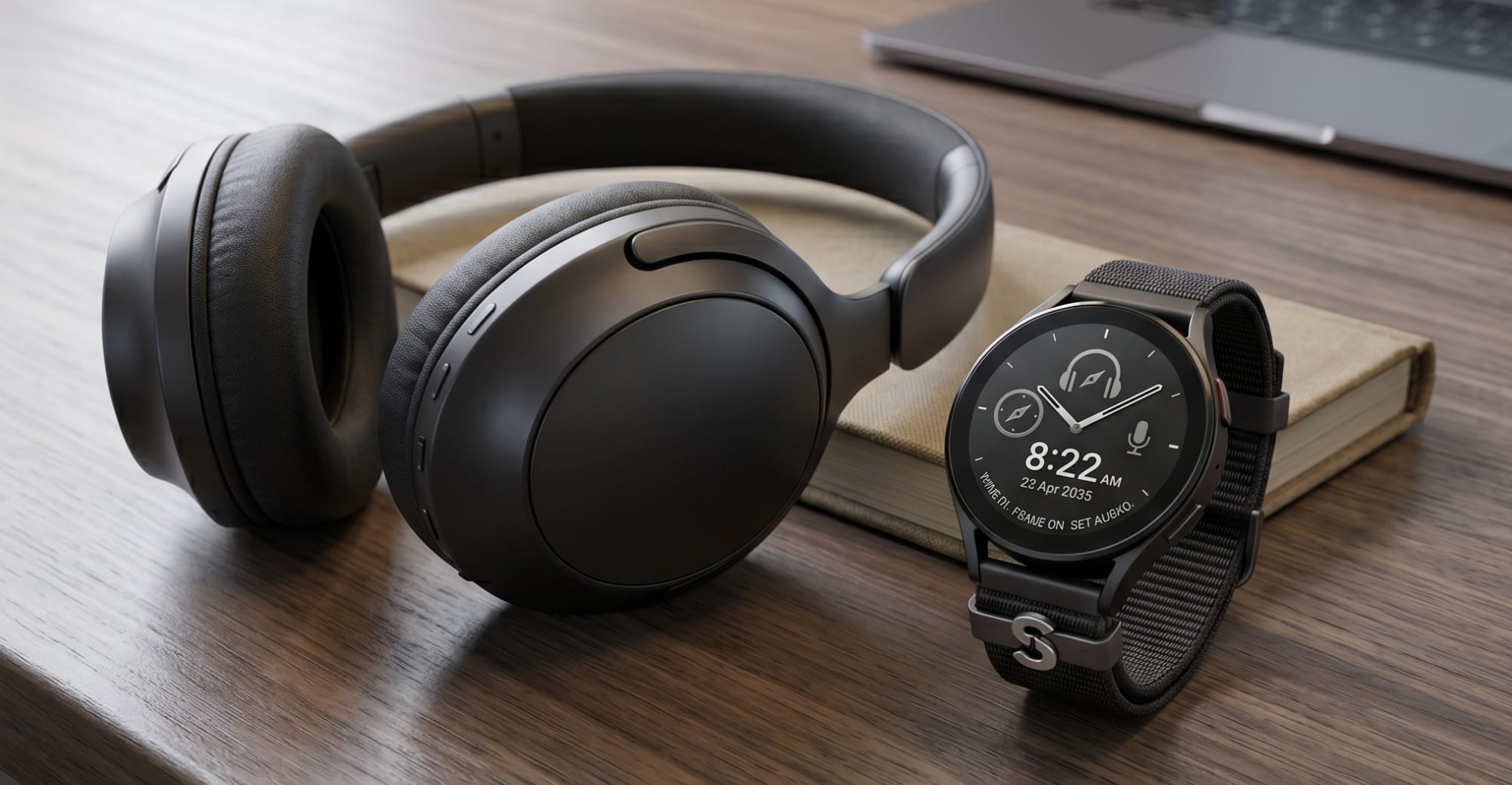
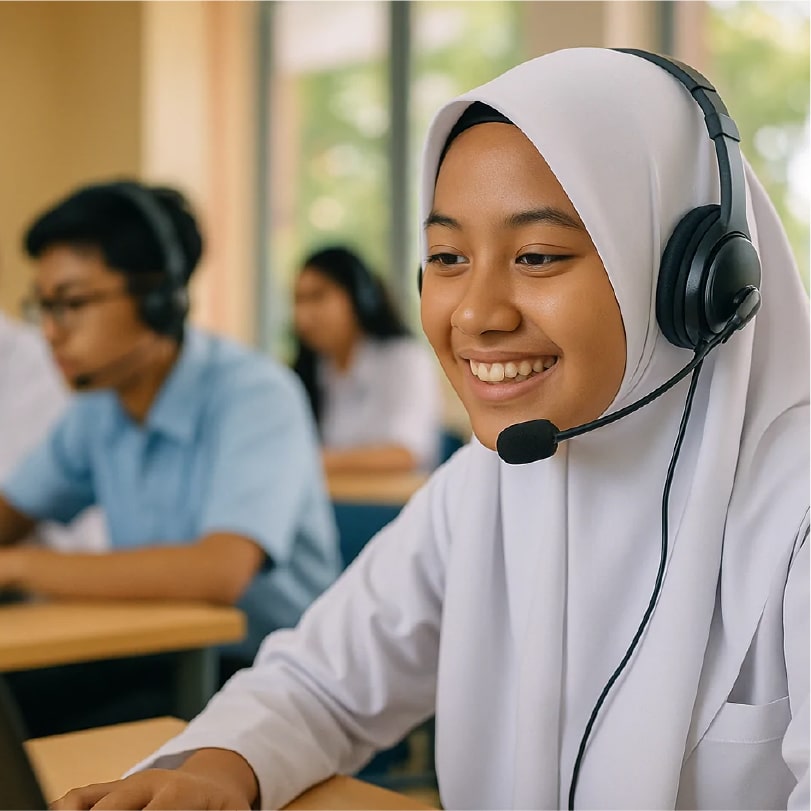
An essential for travel, entertainment, and study sessions, headphones help students stay focused in noisy spaces and make lessons, learning apps, and group calls clearer. From kids headphones with safe volume limits to lightweight on-ear models for everyday school life, immersive over-ear headphones for study marathons, and wireless earbuds that slip easily into pockets.

  • Noise Cancelling: Blocks out ambient classroom chatter or library distractions, allowing students to enter a state of deep focus and "flow" during intense study sessions.
  • All-Day Comfort: Designed with soft ear cushions and adjustable headbands to prevent fatigue, ensuring they remain comfortable from the first morning lecture to late-night assignment marathons.
  • Low-Latency Bluetooth: Provides a seamless, lag-free audio sync-critical for watching educational videos, attending virtual seminars, or quick gaming breaks between classes.
  • Long Battery Life: Reliable power that lasts for days on a single charge, so students don't have to worry about their audio cutting out in the middle of a commute or a group call.
  • Durable, Foldable Designs: Built to withstand the rigors of a student lifestyle, these headphones can be folded down and tossed into a crowded backpack without taking up much space.
  • Safe-Listening Modes: Specially designed for younger students, these modes cap the maximum volume to protect developing ears while maintaining crystal-clear sound quality.
University student using mobile device
STUDENT SMART WATCHES

Master your Schedule, Own your Day

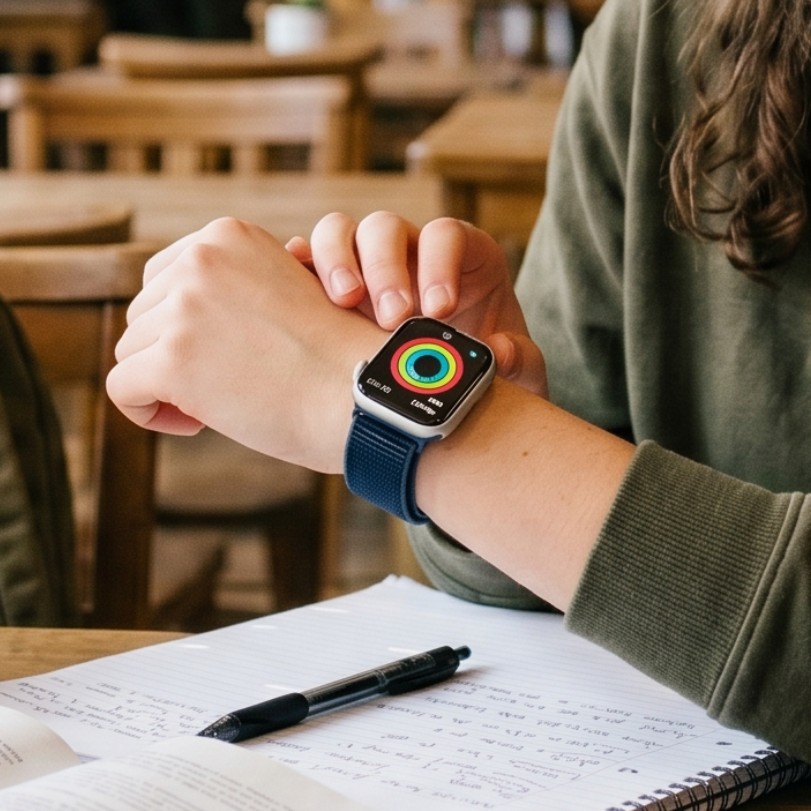
Smartwatches are the ultimate screen-light sidekick for students on the go. For younger students, features like approved contacts, GPS check-ins, School Mode, and activity reminders keep them connected and safe while building independence. For older students, smartwatches streamline busy schedules with timetable alerts, assignment reminders, and notifications without full phone distraction plus fitness and sleep tracking, quick replies, payments, and hands-free convenience to make long school days and campus life easier to manage.

  • GPS Tracking: Offers peace of mind for parents of younger students and helps older students navigate large campuses or track outdoor runs with precision.
  • Calendar and Notification Syncing: Acts as a wrist-based personal assistant, pushing reminders for upcoming classes, assignment deadlines, and club meetings so nothing gets missed.
  • Activity and Sleep Tracking: Encourages a balanced lifestyle by monitoring daily steps and sleep cycles, helping students understand the link between rest and academic performance.
  • School Mode Settings: A dedicated "Do Not Disturb" feature that restricts distractions during class hours, keeping focus strictly on the teacher and the lesson.
  • Durability and Water Resistance: Rugged enough to survive gym class, unexpected rain on the way to the bus, or accidental spills in the cafeteria.
  • Fast Charging: A quick morning boost provides enough power to last the entire school day, perfect for students who lead a busy, on-the-go lifestyle.
  • Personalization Options: Custom watch faces and interchangeable bands allow students to express their personal style while keeping their tech uniquely theirs.
University student using mobile device

Please confirm your selection

Store Picker

Travel Mode

Stores