- Cart is empty



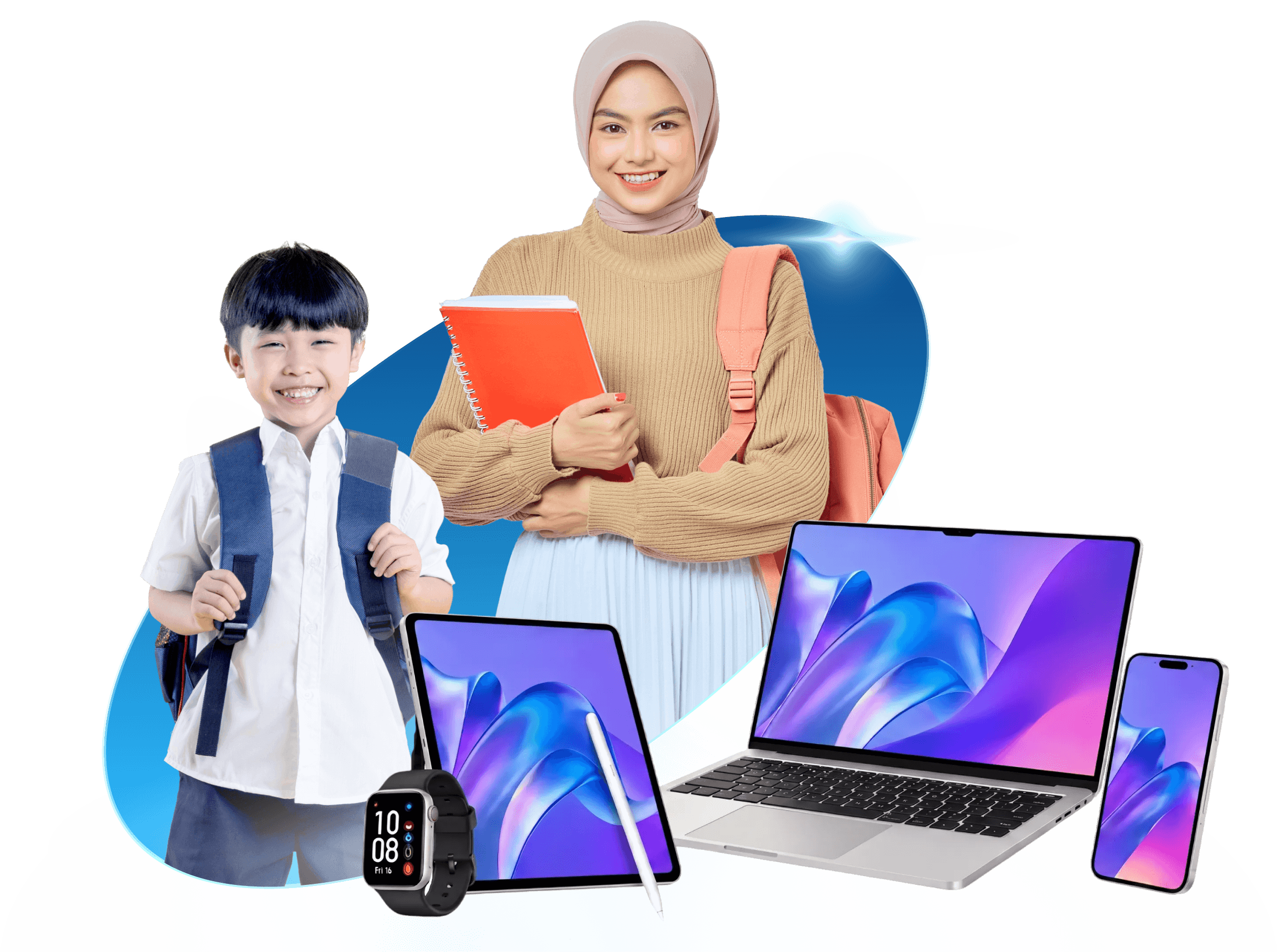
Student Devices
A Simple and Smarter Way to Get the Right Device for Learning
When the study schedule kicks in, you need a tech partner that keeps pace. At Harvey Norman Malaysia, we have got student-ready devices for every stage of learning, from primary school to secondary school hustle and tertiary workloads.


What Makes a Great Student Device?
Screen Size
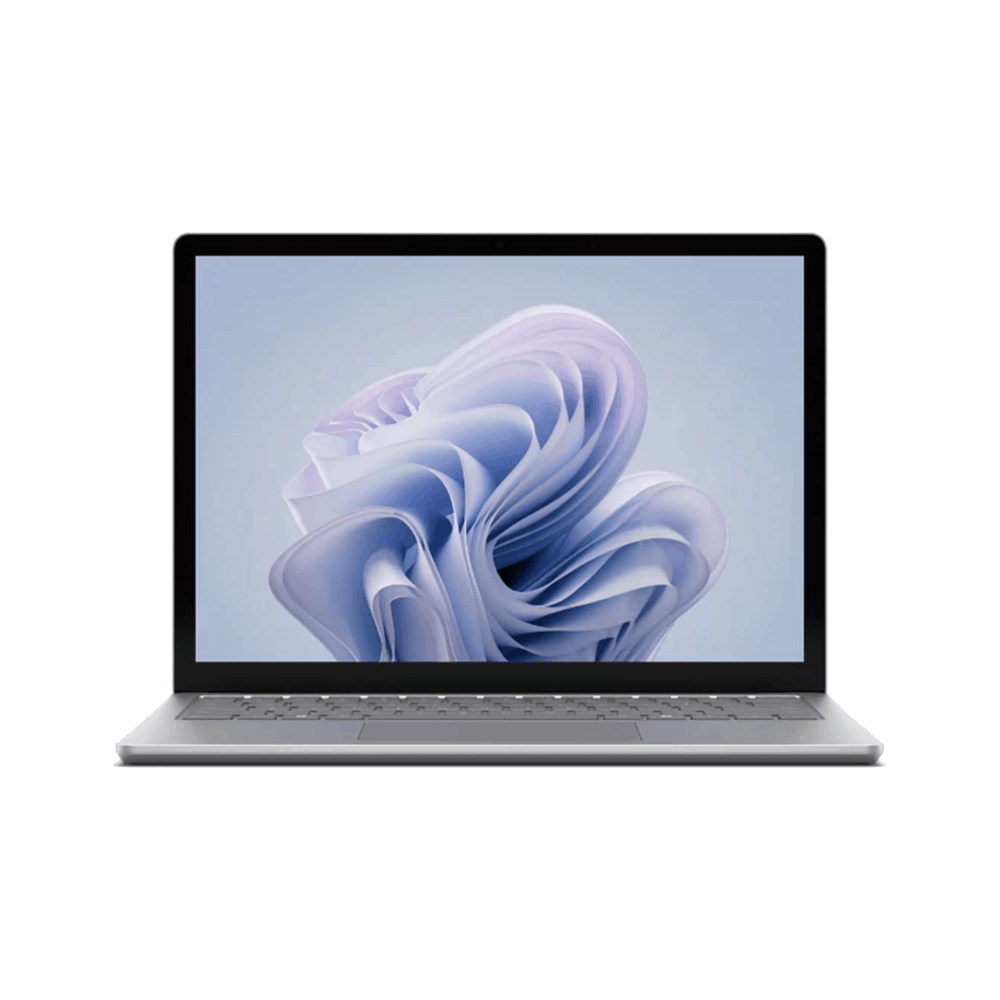
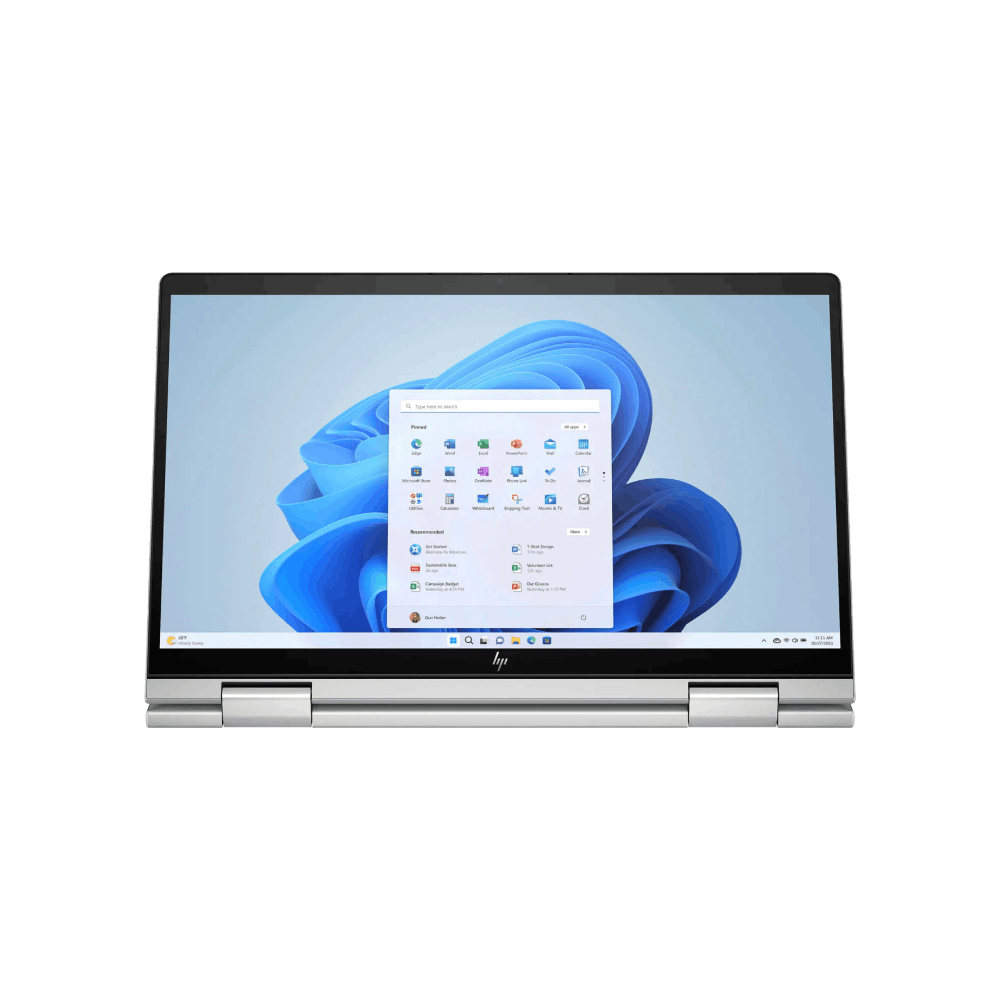
Look for a laptop with a screen size of 13 - 14 inches for easy transport between home and the classroom.
Battery Life
Consider a device with 8 or more hours of battery life to ensure they can power through their day.
Connectivity
Look for a minimum of Wi-Fi 6 for strong connectivity or Wi-Fi 7 to experience faster speeds, lower latency, and improved performance.
Weight
Look for a device that weighs less than 1.5kg. A lightweight option ensures effortless portability to and from student's studies.
Performance
Aim for at least 8GB of RAM and 256GB of SSD storage for fast start up times and smooth multitasking during lessons and homework.
Essential Software
Equip their device with tools for Cyber Security and add the latest Microsoft 365 for access to Cloud storage, AI tools and essential applications like Word, PowerPoint, Excel and more.
Technology that Grows with Every Student
Choosing the right device is easy with reliable, affordable, and future ready options curated for every stage of learning.
Primary School Devices
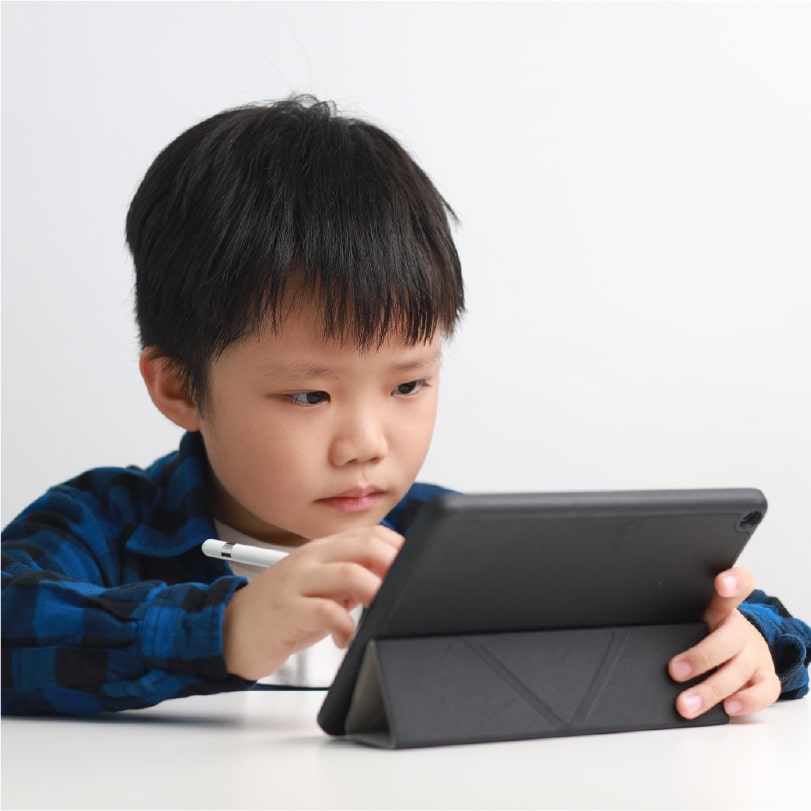
Smart Tech, Bright Minds
Durable, portable devices designed for active school days perfect for homework, group projects, and creative exploration, helping young learners stay focused and curious.
Secondary School Devices
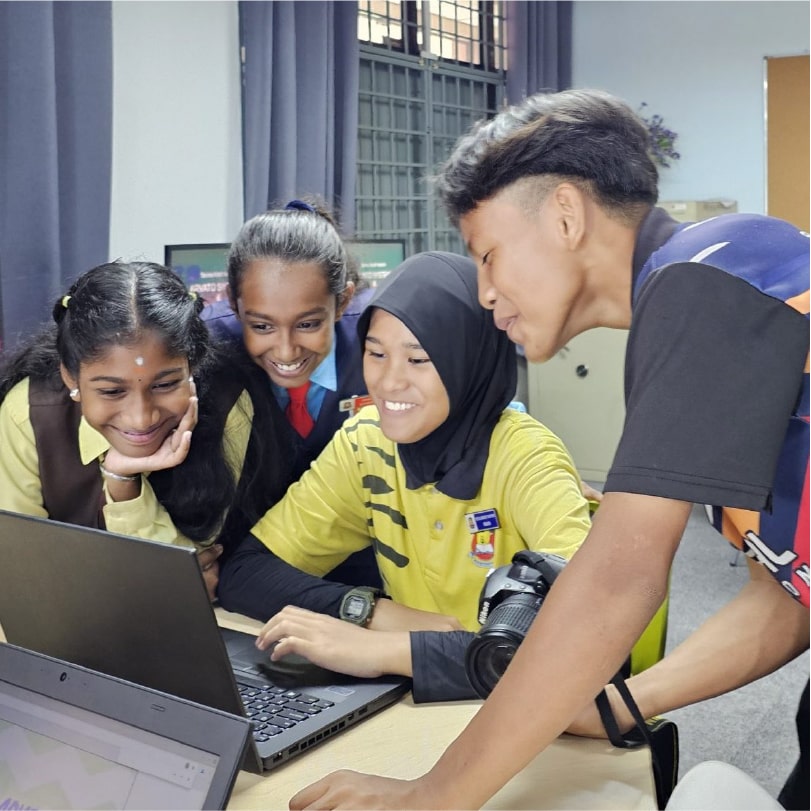
Next-Level Gear
Powerful, student-ready devices designed for fast-paced learning, seamless multitasking, collaboration, and creativity throughout the school day.
Tertiary Education Devices
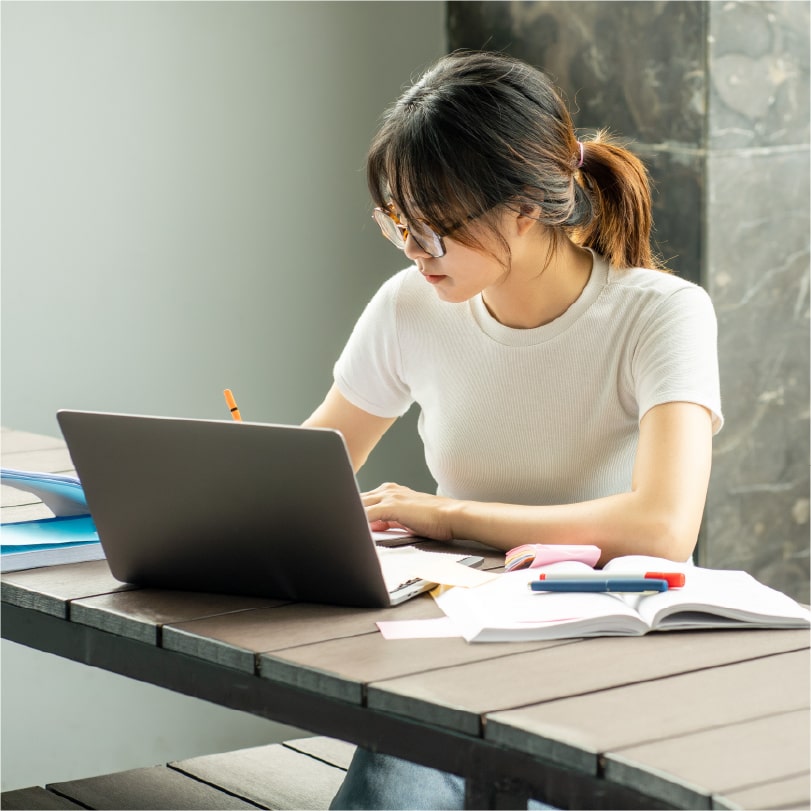
Future-Ready Performance
High-performance, portable devices built for advanced applications, heavy coursework, and campus life supporting learners as they move toward the future.
Expert Student Device Guides
Primary School
Smart Starts for Young Minds
Safe, simple devices built for learning foundations.
Secondary School
Powering Growing Potential
Reliabe tech for studies, projects and creativity.
Tertiary Education
Built for Campus Life
Performance and portability for higher learning.
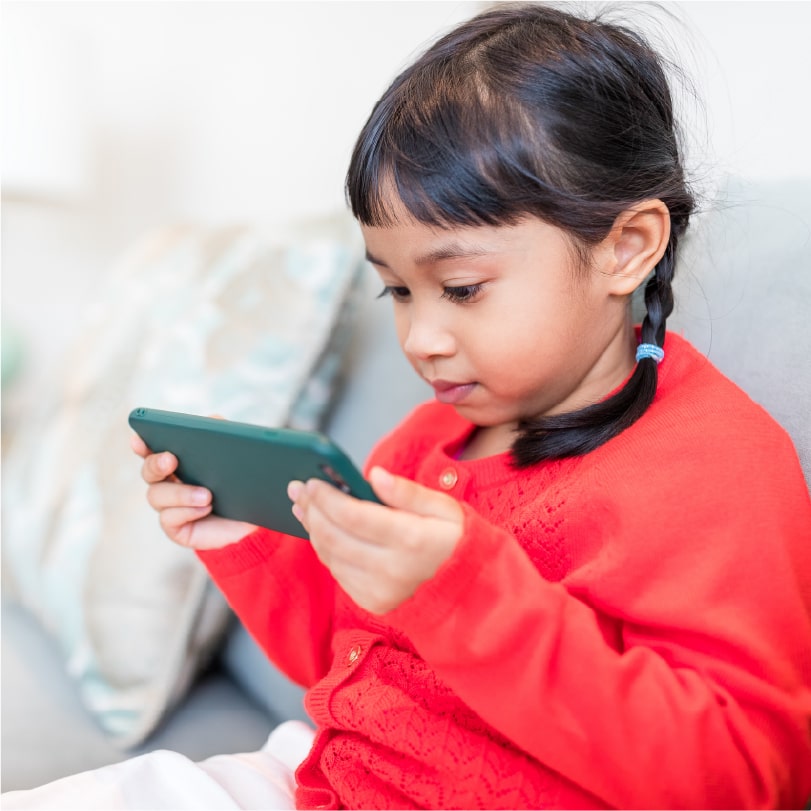
Student Mobiles
Stay Connected, Stay on Track
Smart phones designed for study and everyday life.
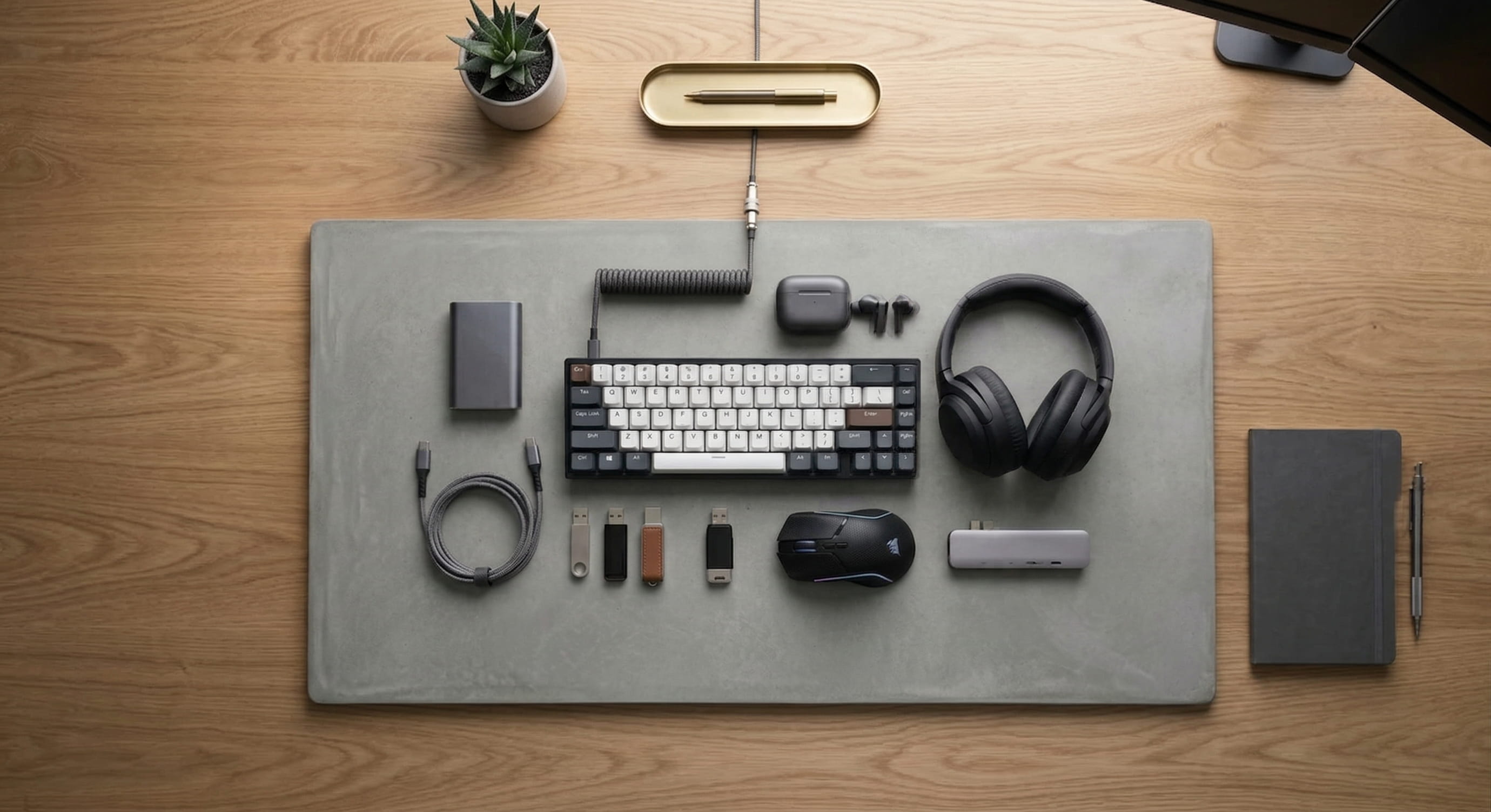
Student Accessories
Essentials that Elevate Learning
The must-haves that support focus and productivity.
Student Tech Sidekicks
Small Tech, Big Impact
Smart add-ons that make studying smoother.
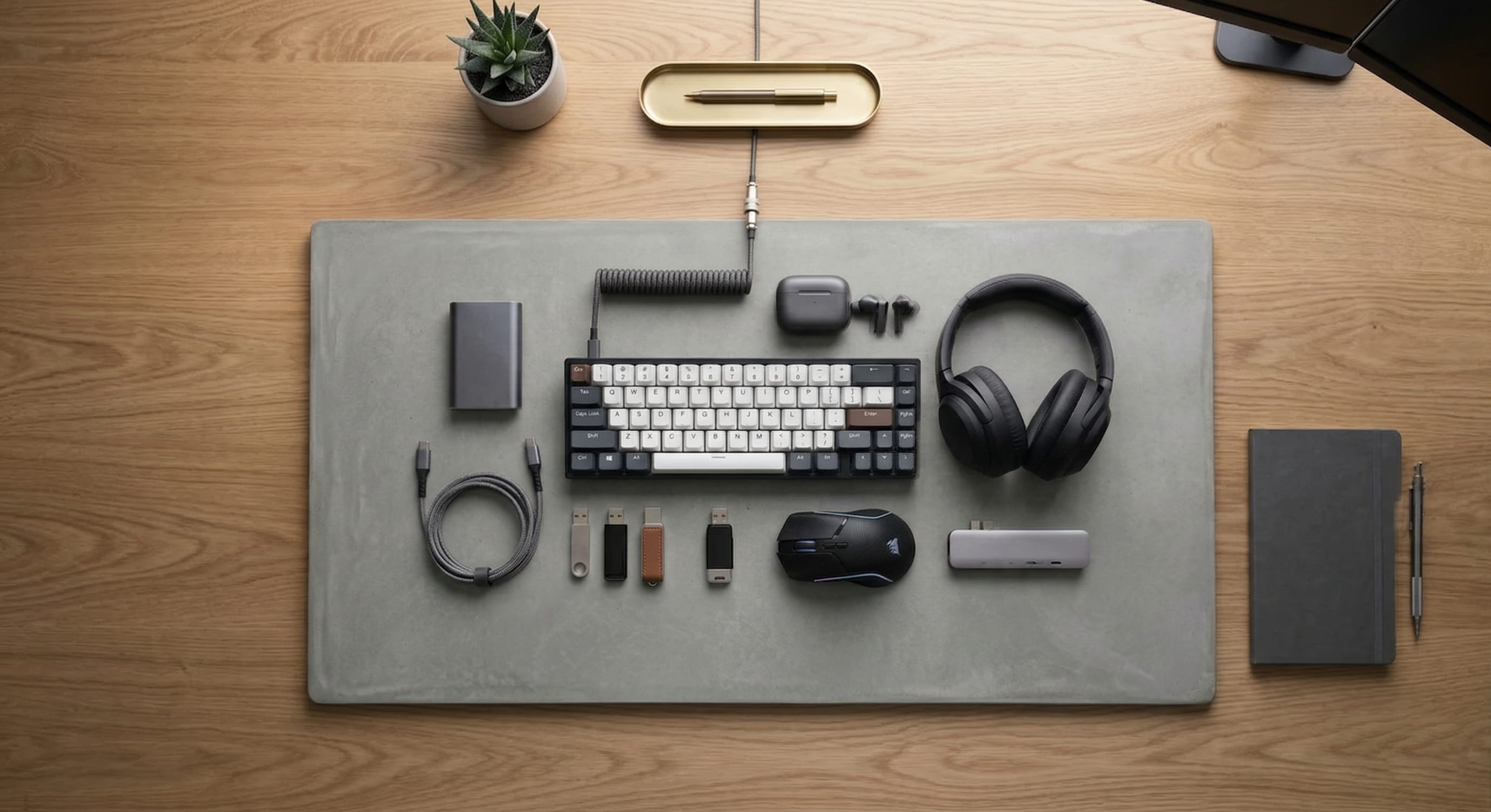
Don't Forget Student Accessories
Essential add-ons to support learning, organisation, and productivity
FAQs
Your Student Device Experts
From everyday learning essentials to future-ready performance, our experts are here to help you choose the right device for every student.



Student Devices Expert Tips
Student-ready devices are digital tools designed to support today's learning environments, whether in-person, online, or hybrid. These include laptops, tablets, and other portable devices that help students access educational resources, collaborate on projects, and complete assignments efficiently. They are chosen to ensure reliability, ease of use, and compatibility with school-approved platforms and applications.
In Malaysia, most public schools do not require or encourage students to bring personal devices to school. However, having a suitable device at home can support learning, especially for homework, online resources, and digital literacy.
Some school-level initiatives may allow students to use laptops or tablets for learning, specific projects, or tasks such as accessing online resources. Always check with your child's school for their guidelines before purchasing a device.
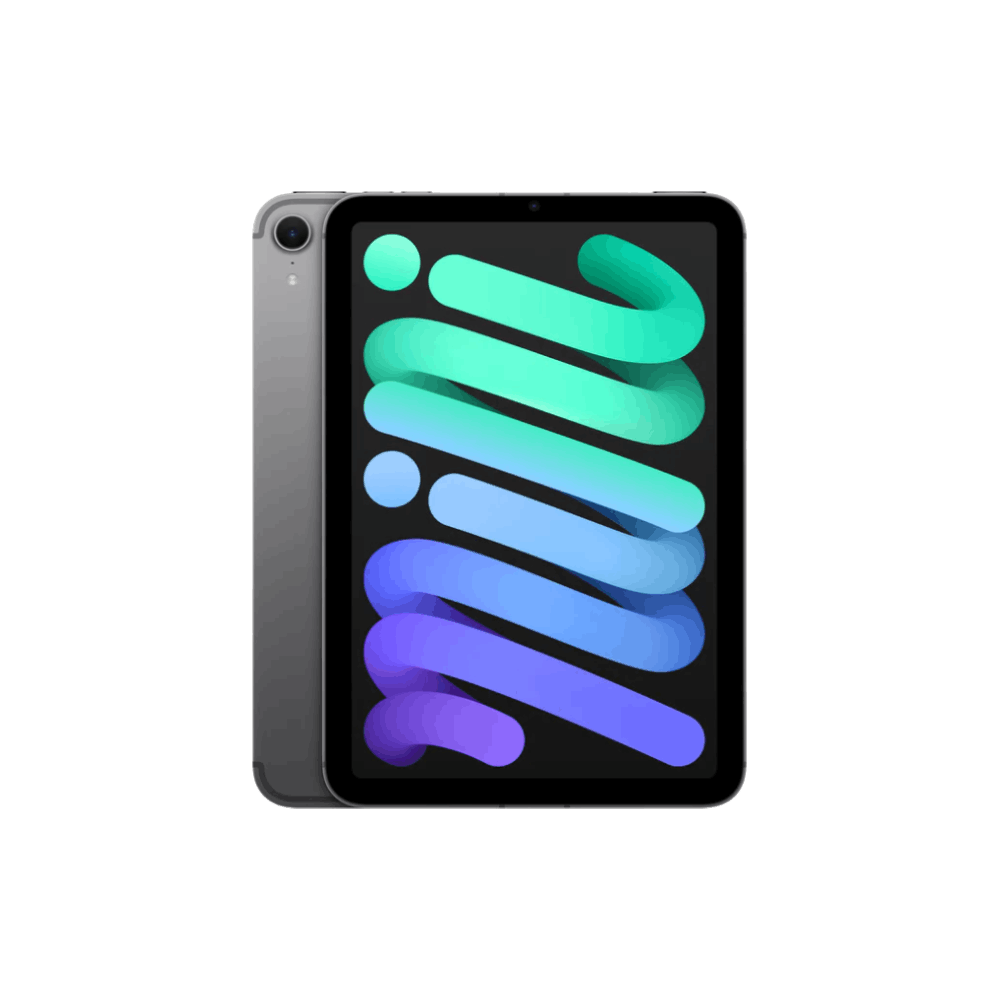
Tablets are lightweight, interactive, and easy to use, perfect for younger learners engaging in educational apps, e-books, and creative activities at home.
Laptops offer more processing power, making them ideal for older primary students who need to complete assignments, research, and explore STEM-related tasks outside the classroom.
When choosing a student-ready device, consider your child's learning needs, budget, and ensure the device meets basic performance standards for educational platforms.
Some school-level initiatives may allow students to use laptops or tablets for learning, specific projects, or tasks such as accessing online resources. Always check with your child's school for their guidelines before purchasing a device.
Tablets are lightweight, interactive, and easy to use, perfect for younger learners engaging in educational apps, e-books, and creative activities at home.
Laptops offer more processing power, making them ideal for older primary students who need to complete assignments, research, and explore STEM-related tasks outside the classroom.
When choosing a student-ready device, consider your child's learning needs, budget, and ensure the device meets basic performance standards for educational platforms.
Parental controls help keep children safe online and encourage healthy tech habits. Most modern devices make it easy for parents to manage usage and content.
Tip: Always discuss these settings with your child to build trust and teach responsible digital habits.
-
Common features include:
- Screen Time Management- Schedule screen-free hours or set daily limits.
- Content Filtering- Block inappropriate websites, apps, and media.
- App Restrictions- Limit access to distracting or age-inappropriate apps.
- Activity Monitoring- Track usage and receive reports on what your child is doing online.
-
How to Set Up:
- Windows & macOS- Use built-in parental control settings or family safety features.
- Android- Enable Google Family Link for app and time management.
- iOS (iPhone/iPad)- Use Screen Time settings to set limits and filters.
Tip: Always discuss these settings with your child to build trust and teach responsible digital habits.
In Malaysia, most public schools do not require students to bring personal devices to school. However, having a suitable device at home can support homework, online learning, and digital literacy. If your child's school has specific guidelines or initiatives that allow devices for certain projects, check with them first.
-
When choosing a student-ready device, keep these general tips in mind:
- Battery Life- Aim for at least 6-8 hours for uninterrupted use.
- Weight- Under 1.5 kg for easy portability at home or occasional school use.
- Connectivity- Dual-band Wi-Fi for fast, reliable internet access.
- Screen Size- 10-inch or larger for comfortable viewing without being too bulky.
In Malaysia, most public schools do not allow mobile phones during school hours to keep students focused on learning. However, some parents choose to provide a phone for their child to stay connected while traveling to and from school.
If you decide to get a device, consider basic phones or kids' smartwatches with limited features and strong parental controls. These options help maintain communication while minimizing distractions and exposure to inappropriate content.
If you decide to get a device, consider basic phones or kids' smartwatches with limited features and strong parental controls. These options help maintain communication while minimizing distractions and exposure to inappropriate content.
Ready to power your learning journey?
Discover reliable, high-performance student devices designed to support learning, creativity, and productivity at every stage.
Shop Student Devices